STEP 1: To access the main site of Intellectual Property i.e. https://ipindia.gov.in/ and click on the E-Gateways as shown in the below image.
STEP 2: Once you click on the E-Gateways option a page will open which shows the various services provided by the Intellectual property India like- E filing, Public search, status etc.
STEP 3: Once the other page opens for checking the status of your application you are required to click on the Patents in the Status column. To access directly to the Patent status i.e.,
STEP 4: Once the option is clicked it will open a new page / window, where you are required to enter the application number in the field titled “Application Number” and write captcha code in the respective field and click on “Show Status”.
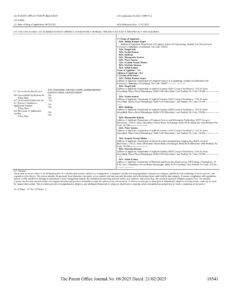
Clicking on the show status at the end of the page will take you to a page displaying the application number, Title, Date of Filing, Name of the applicant and all other details.